
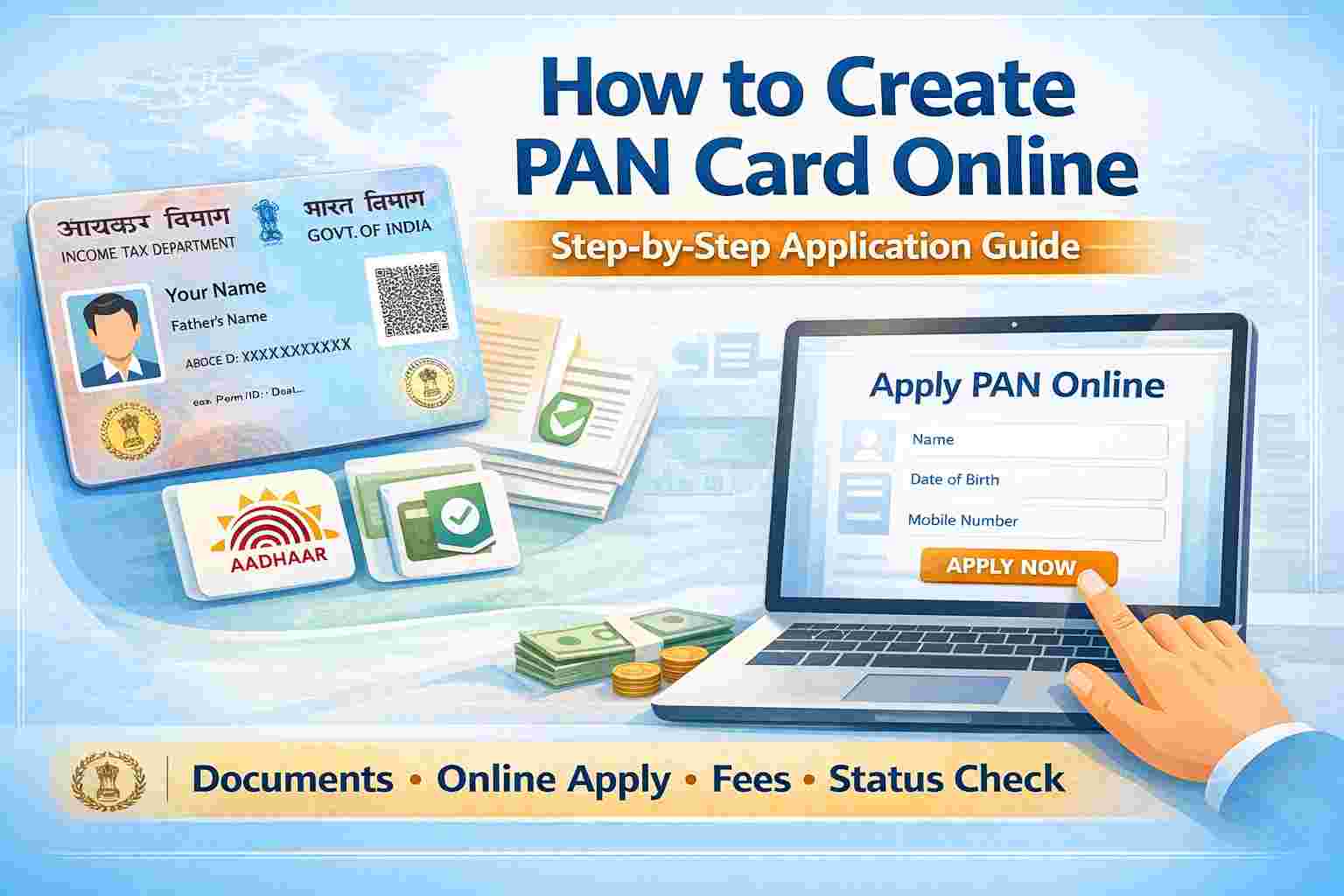
How to Apply for a New PAN Card
A PAN card is issued by the Income Tax Department of India. It is required for filing income tax returns, opening a bank account, investing in mutual funds, and many other financial activities.
You can apply for a PAN card online through the official portals authorized by the government.
Who Can Apply for a PAN Card
The following individuals and entities can apply for a PAN card:
- Indian citizens
- Person both above 18 years and below 18 years of age
- Salaried employees
- Self-employed professionals
- Business owners
- Companies, firms, and trusts
Documents Required to Create PAN Card
1. Proof of Identity
- Aadhaar Card
- Voter ID
- Passport
- Driving License
2. Proof of Address
- Aadhaar Card
- Bank passbook
- Electricity / Water bill
- Passport
3. Proof of Date of Birth
- Birth certificate
- Aadhaar Card
- School certificate
- Passport
Aadhaar is mandatory for PAN application.
How to Create PAN Card Online (Instant PAN using Aadhaar)
If your mobile number is linked with Aadhaar, you can get Instant PAN within minutes.
Steps
- Visit the Income Tax e-Filing website: https://www.incometax.gov.in
- Click on Instant PAN through Aadhaar
- Enter your Aadhaar number
- Verify using OTP
- Submit the request
Your PAN card will be generated instantly and can be downloaded online.
How to Apply PAN Card Online via NSDL / Protean
Steps
- Visit the official PAN application website: https://www.protean-tinpan.com
- Click on Apply for New PAN
- Select Form 49A (for Indian citizens)
- Fill in personal details carefully
- Upload required documents
- Make online payment
- Submit the application
You will receive an acknowledgment number to track your PAN status.
PAN Card Application Fees
- ₹107 – Indian address
- ₹1,017 – Foreign address
Fees may vary slightly based on the service provider.
How to Check PAN Card Application Status
- Visit: https://www.tin-nsdl.com
- Click on Track PAN Status
- Enter acknowledgment number
- Submit to view status
How to Download PAN Card (e-PAN)
Once PAN is generated, you can download your e-PAN.
Steps
- Visit: https://www.incometax.gov.in
- Click on Download e-PAN
- Enter Aadhaar or PAN number
- Verify OTP
- Download e-PAN in PDF format
Important Points to Remember
- Only one PAN card is allowed per person
- PAN card is valid for lifetime
- Wrong details may lead to rejection
- e-PAN is legally valid
Common Reasons for PAN Application Rejection
- Mismatch in Aadhaar details
- Incorrect documents
- Blurred uploads
- Duplicate PAN request
Conclusion
Creating a PAN card is now easy and fully online. With Aadhaar-based instant PAN, applicants can receive their PAN within minutes. Ensure that all details match your Aadhaar records to avoid rejection or delay.